

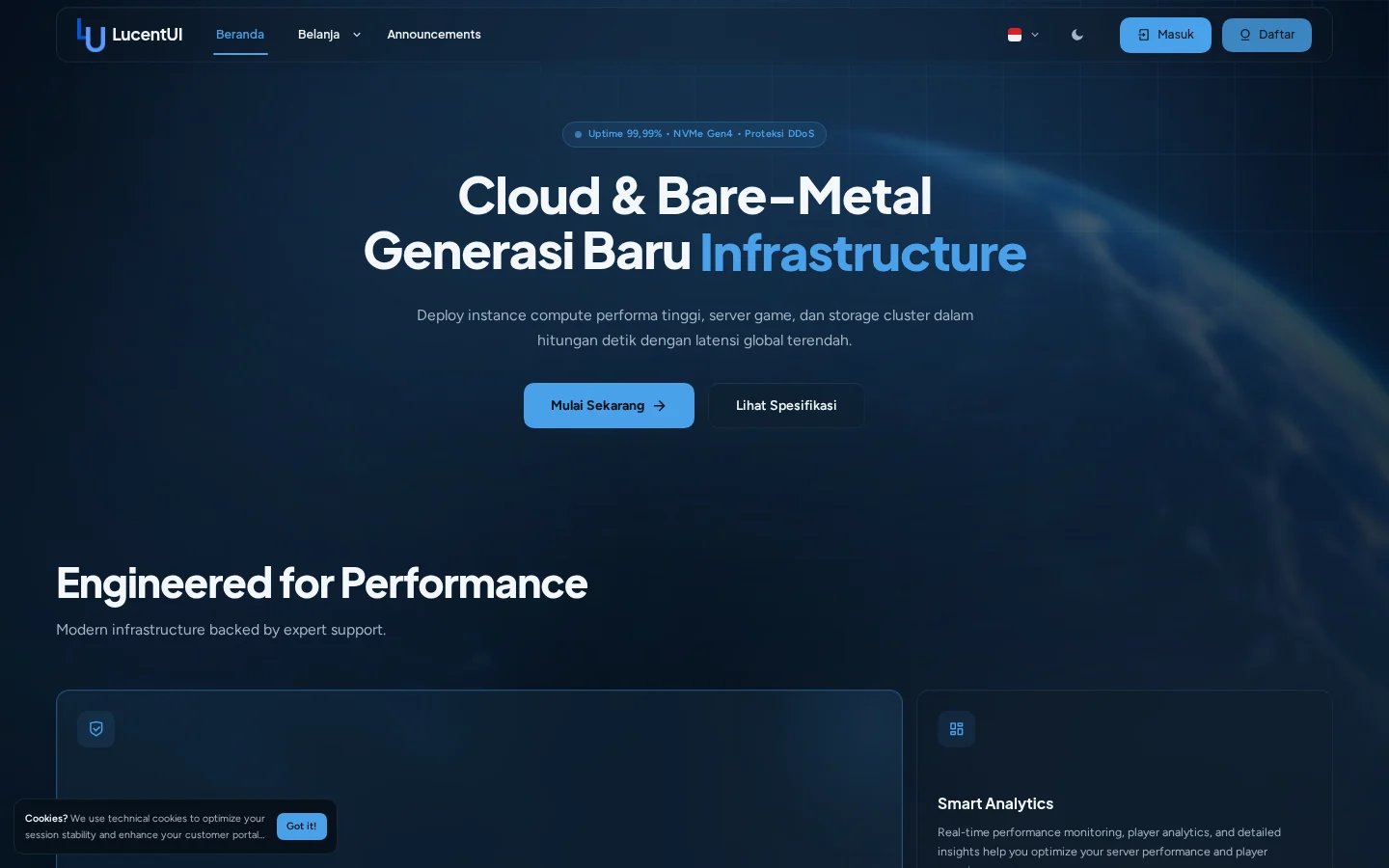
LucentUI homepage using the current Lucent appearance in dark mode.
What ships in 3.0
Two appearance systems
Use signature Lucent glass or switch the same content to a fully opaque Flat UI.
Visual page builders
Reorder, clone, disable, resize, and restyle homepage and dashboard blocks.
Dynamic localization
The Editor follows Paymenter’s enabled languages while English remains the source fallback.
Extension-aware views
Theme-native views cover supported announcements, affiliates, compliance, server, and uptime extensions.
Package model
LucentUI is delivered as one downloadable bundle. Extract the bundle on your computer to get the two install-ready packages:
The two inner ZIP files remain separate because Paymenter can upload the Editor extension,
while themes are placed in the
themes directory and publish assets to public.
The theme package itself contains the compiled frontend bundle and every required local
interface asset: locale flags, service icons, LucentUI Editor artwork, and card-style
previews. There is no separate assets archive to install.
Design and compatibility guarantees
- No LucentUI installation step requires editing Paymenter core files.
- Normal installations use bundled CSS, JavaScript, flags, service icons, and Editor previews and do not require Node.js or an external image host.
- Theme settings are stored in Paymenter’s database and survive file-only upgrades.
- Missing optional media collapses or falls back without breaking the page structure.
- Light and dark colors use one semantic token system throughout supported views.
- Extension overrides are isolated inside
themes/lucentui/views/vendor.
Install LucentUI
Install both release packages and complete the first-run checks.
Open the Editor
Learn the preview, save, import, export, and reset workflow.